How to build your film's website: a starter, the add-ons, and the order
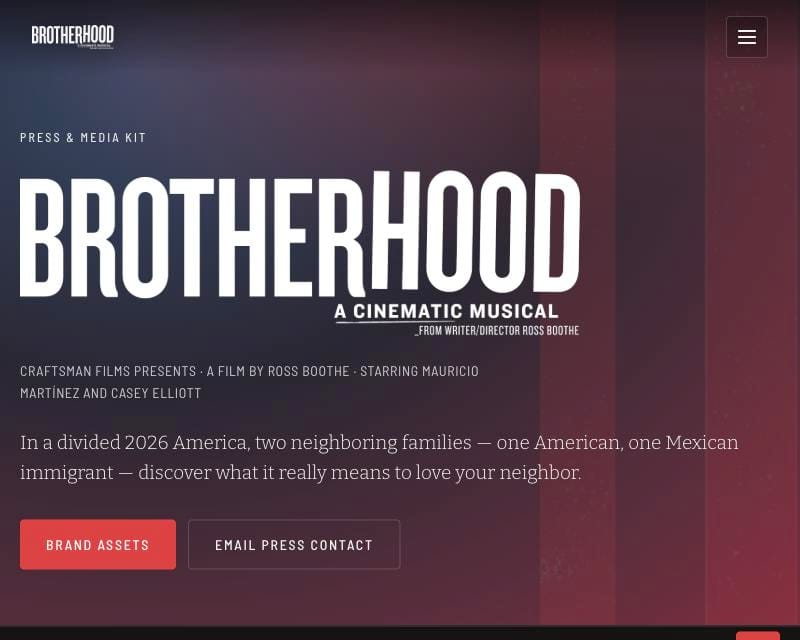
By the week Brotherhood opened, brotherhoodmovie.com had 14 public pages, a switch that turns every one of them into Spanish, and a page that the QR code in our end credits opens. I didn't build it all at once. Each page showed up when the release needed it.
So this isn't a copy of our site. Most of what's on it is wired to our accounts and our film, and half of it you won't need. It's three things.
1. The starter
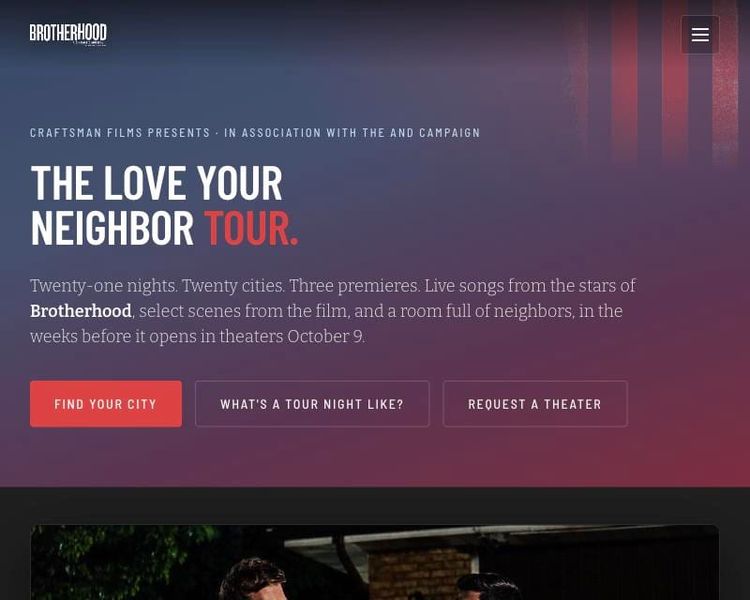
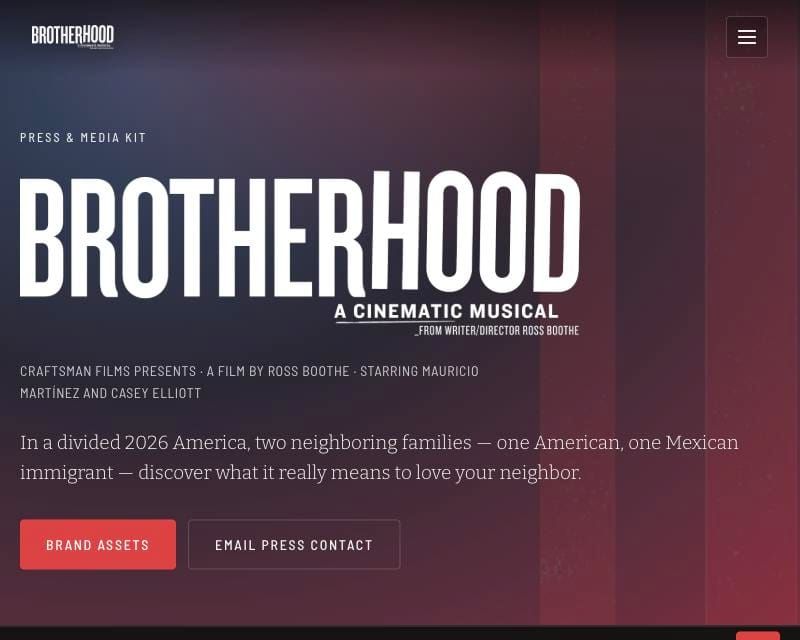
A small film site you can put online in an afternoon. The home page asks people where they want to see your film, so from the first signup you get a name, an email, a ZIP code and the theaters near them. Then an about page, a press kit with posters and stills to download, a resource page for your end credits, the English/Español switch and simple analytics. You change one settings file (title, colors, poster, trailer, links) and it's yours. It runs on Cloudflare for free, and the only other account it needs is your email tool.
2. The add-ons, and when to add them
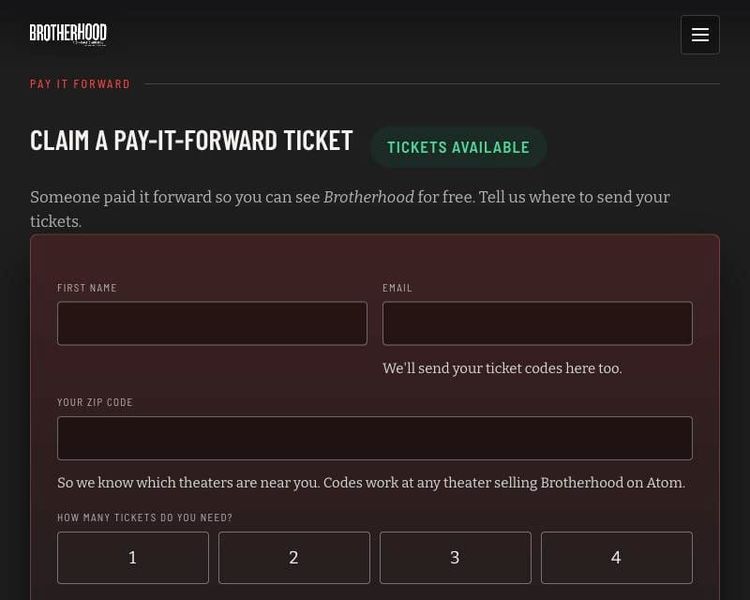
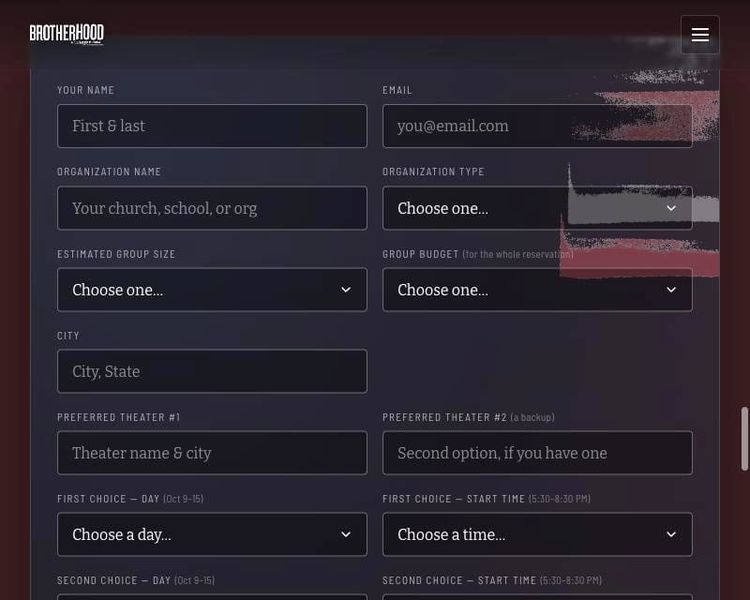
Every other page we built is its own module with its own build prompt: Request a Theater, the theater list with the "Already played" panel, group screenings, the street team, donations, Pay It Forward tickets, the showtime watcher, and the share page people use after they see the film. Each one says what it needs (a payment account, a showtime feed) and when in a release it earns its spot.
3. The order
The order we built these in, tied to the release calendar. There are a few things I'd do differently, like adding the Request page as the home page on day one that the movie was greenlit, adding the En/Es language toggle much earlier, and capturing more emails from day one.
Two new tools in this post
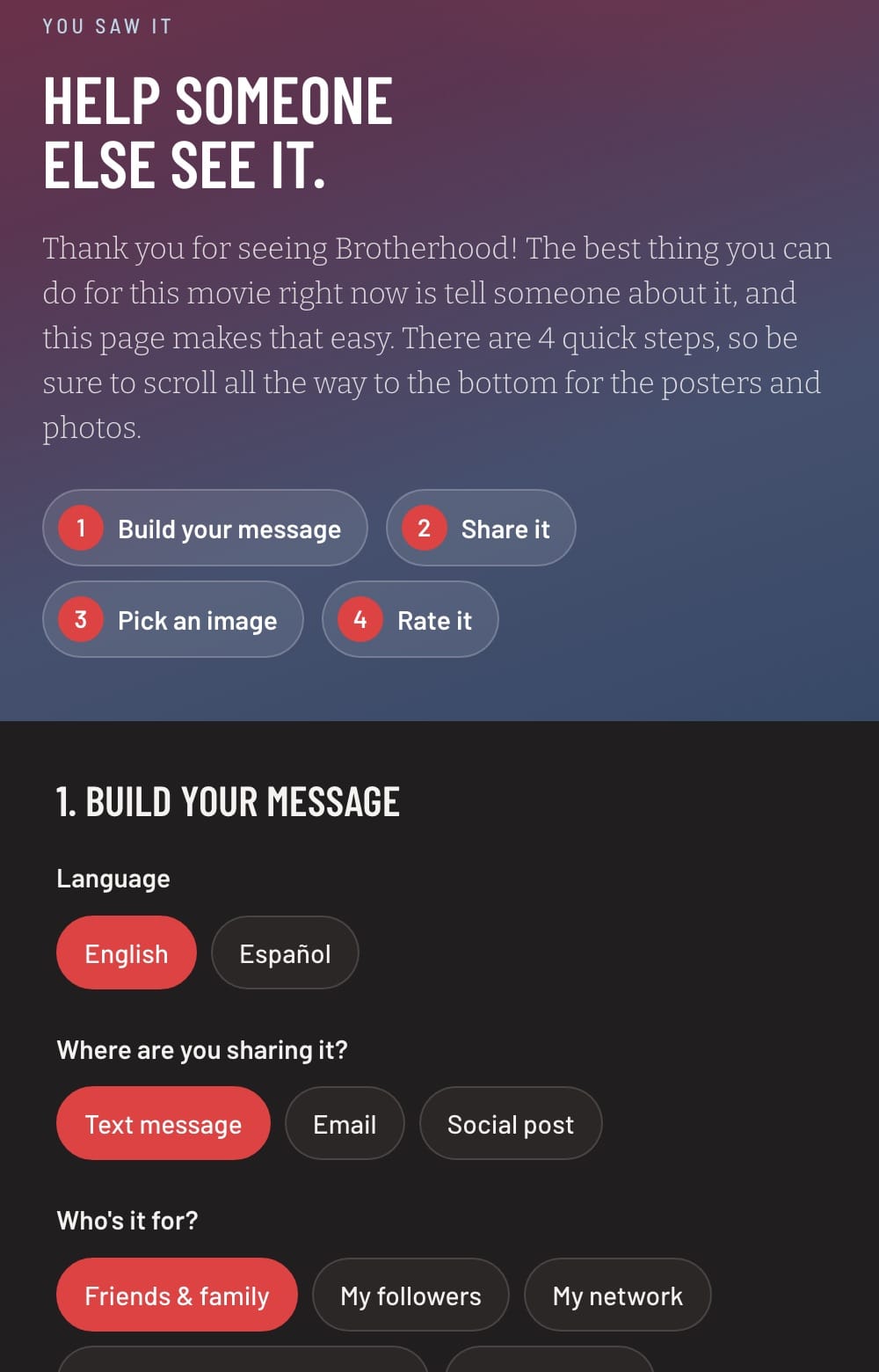
The share page. People walk out of the theater wanting to help and don't know what to say. This page writes the message for them: they pick who it's for, where they're posting, the tone and the link, add a line of their own, and get a message they can edit and send with a poster or still. It works in English and Spanish. Try it on our site.
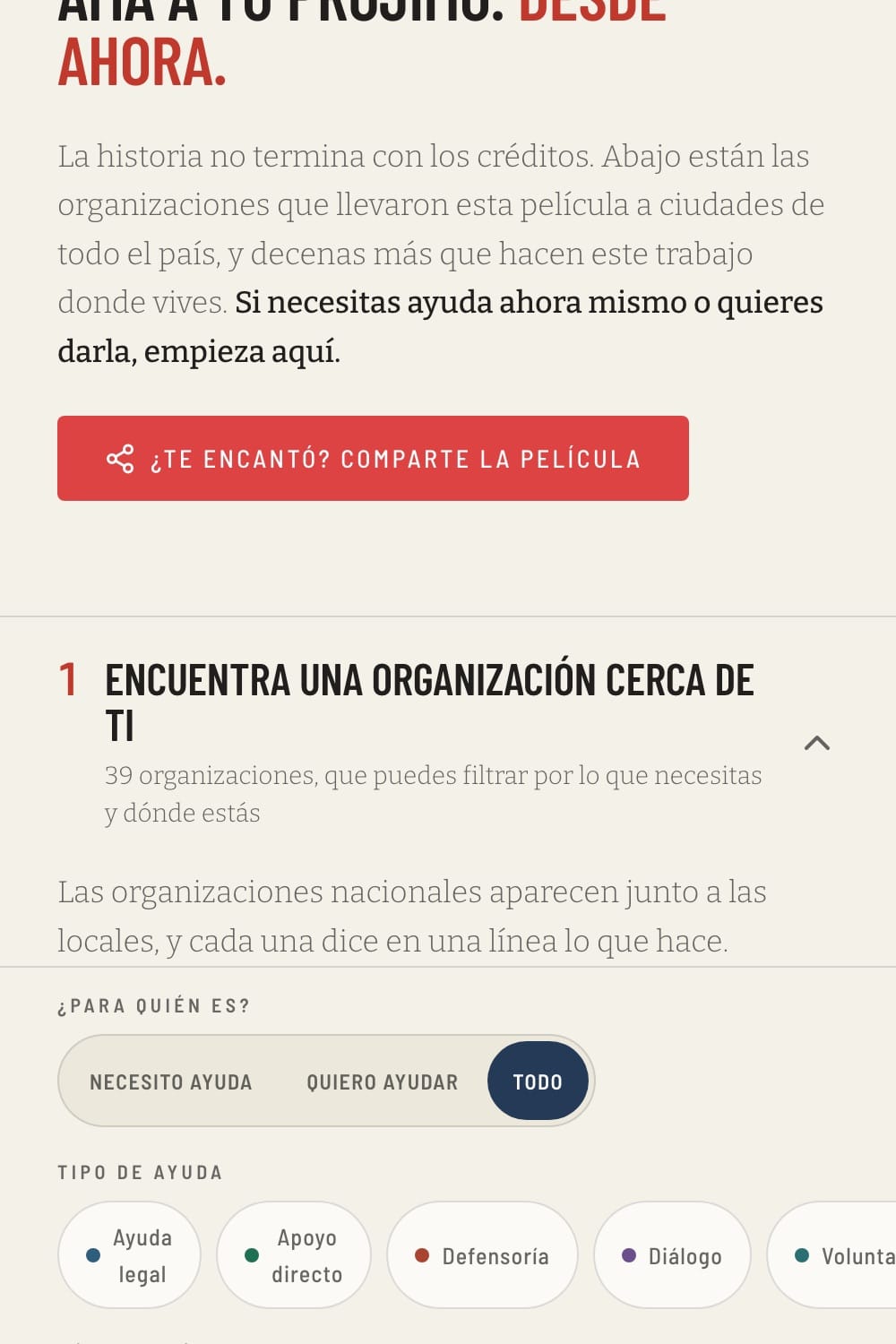
The Spanish switch. One button in the header turns the whole site into Spanish from a single dictionary file, including form messages and lists that update on their own. English stays the source, so nothing breaks when you edit a page. See it in Spanish.
Also in the members section: hear-it-first song preview pages, starting-point privacy and sweepstakes pages for your lawyer to review, and three tools for publishing on Ghost.
Craftsman Fellowship and Guild members get the build prompt for every tool below, plus the setup guide from the toolkit post. Not a member yet? Here's the Fellowship. Every tool I build comes with it.