How we ran an 18-city preview tour for Brotherhood
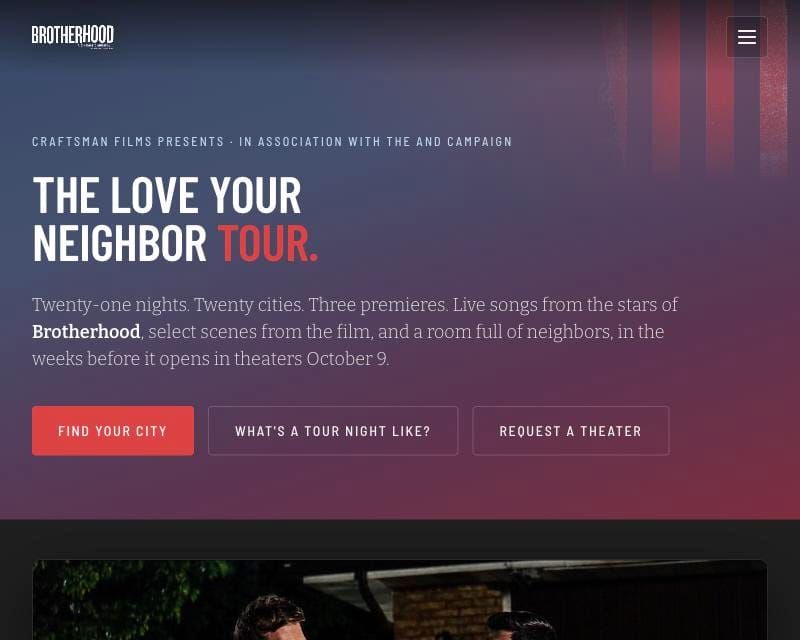
Before Brotherhood opened, we took it on an 18-city preview tour: songs live from the cast, scenes from the film, and a room full of neighbors in each city. Nearly 1,500 people registered.
A tour like that is mostly logistics. These five tools carried most of it.
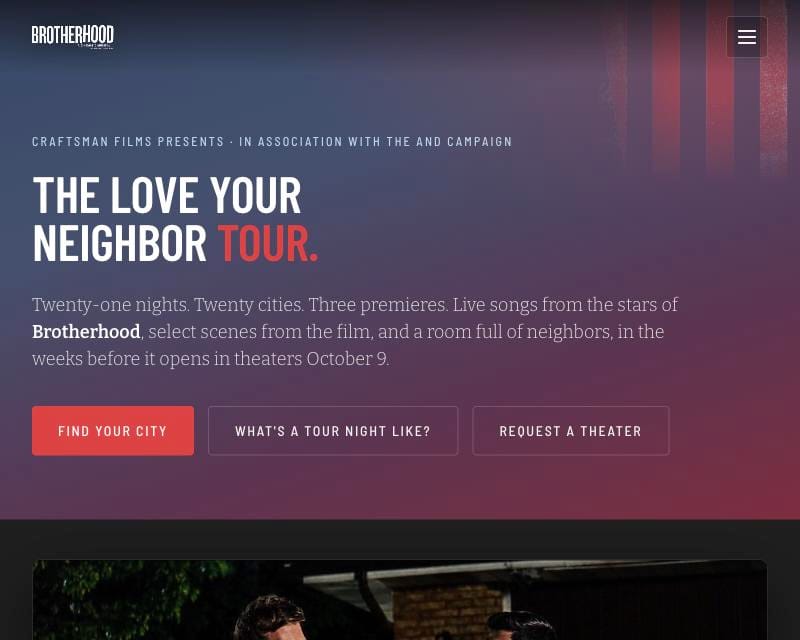
1. Event pages from one template
One command builds an event page for each stop on our event platform, with VIP and free tiers and the right sponsors for that city, and exports the guest list afterward.
2. QR links that never die
Every printed QR code points to a short link like /t/boston. When a venue changes, you change where the link goes, not the poster. Each scan is counted by sponsor.
3. Registrant sync
New registrants land in your email tool with the right city tag and the right reminder emails, every day on a schedule, and again on event days.
4. The tour page
One public page with every stop and an RSVP button that opens the event right there.
5. The call board
A daily dashboard that compares each city's registrations to how registrations actually arrive before an event. Most tickets come in the final two weeks, so a quiet city three weeks out is fine, and a quiet city five days out needs a push. The board tells you which is which.
Craftsman Fellowship and Guild members get the build prompt for every tool below, plus the setup guide from the toolkit post. Not a member yet? Here's the Fellowship. Every tool I build comes with it.